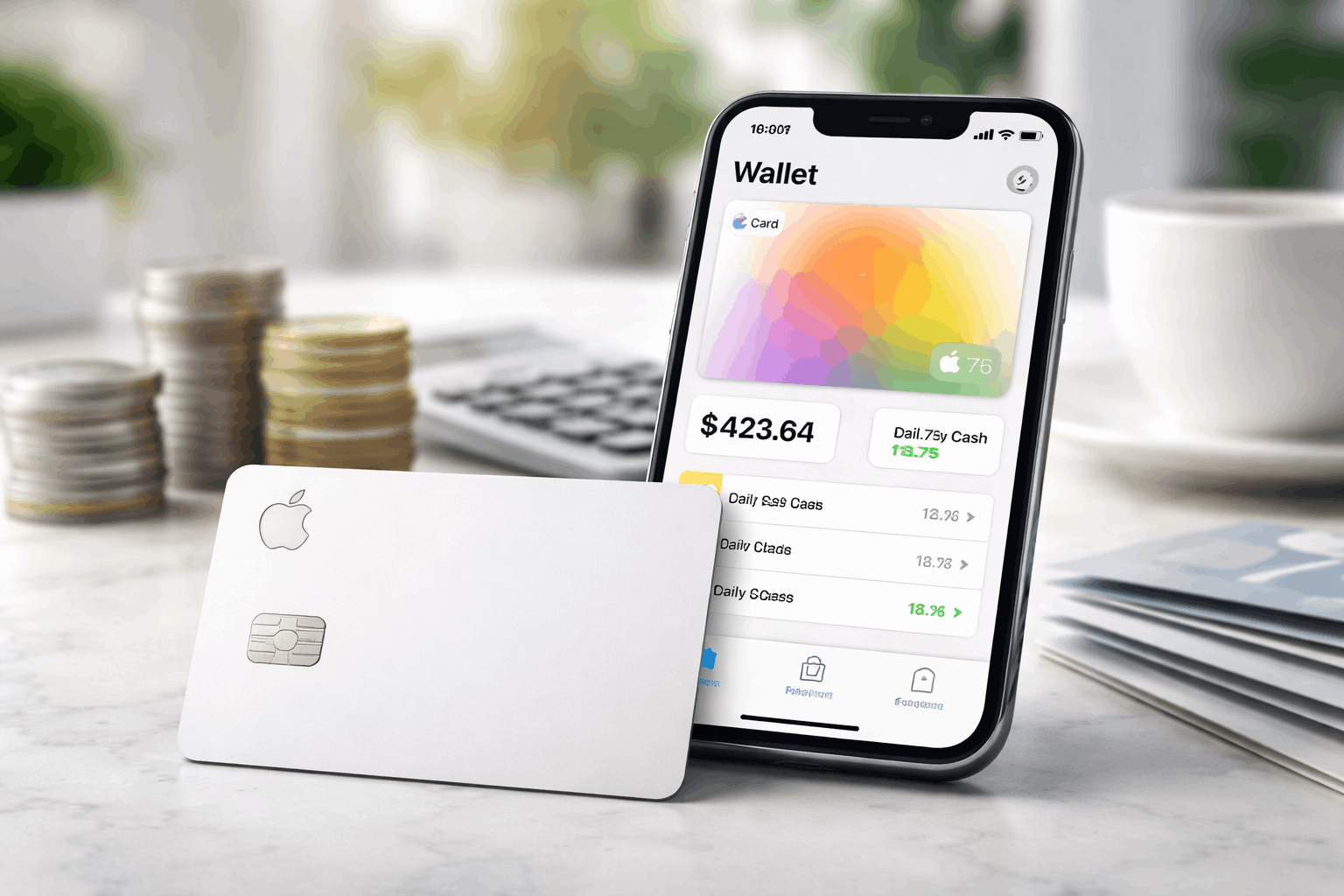
Apple Card is a U.S.-only credit card designed to live inside the Wallet app, with most account tools handled digitally on iPhone or iPad.
Apple states that the card has no fees—including no annual, late, foreign transaction, or over-the-limit fees—while still charging interest if you carry a balance.
This guide focuses on what matters to most shoppers and everyday card users.
Eligibility and what “easy application” really means
Apple Card is subject to credit approval and is available only to qualifying applicants in the United States.
Applicants must be 18 years or older (depending on where you live) and must have a valid, physical U.S. address that isn’t a P.O. Box.
The process also requires an iPhone or iPad with the latest iOS/iPadOS, Apple Account sign-in, and two-factor authenticatio.
For families, Apple also offers Apple Card Family. Anyone age 13 or older in a Family Sharing group can be added as a Participant.
Interest rates and how they work
The card uses a variable APR that depends on creditworthiness and can change over time.
The variable APR on new accounts ranges from 17.74% to 27.99%.
In practical terms, the best way to reduce interest costs is to avoid carrying a revolving balance month to month.
Apple also emphasizes payment tools inside Wallet that help users understand how different payment amounts affect interest.
Apple Card cash back and how Daily Cash is earned
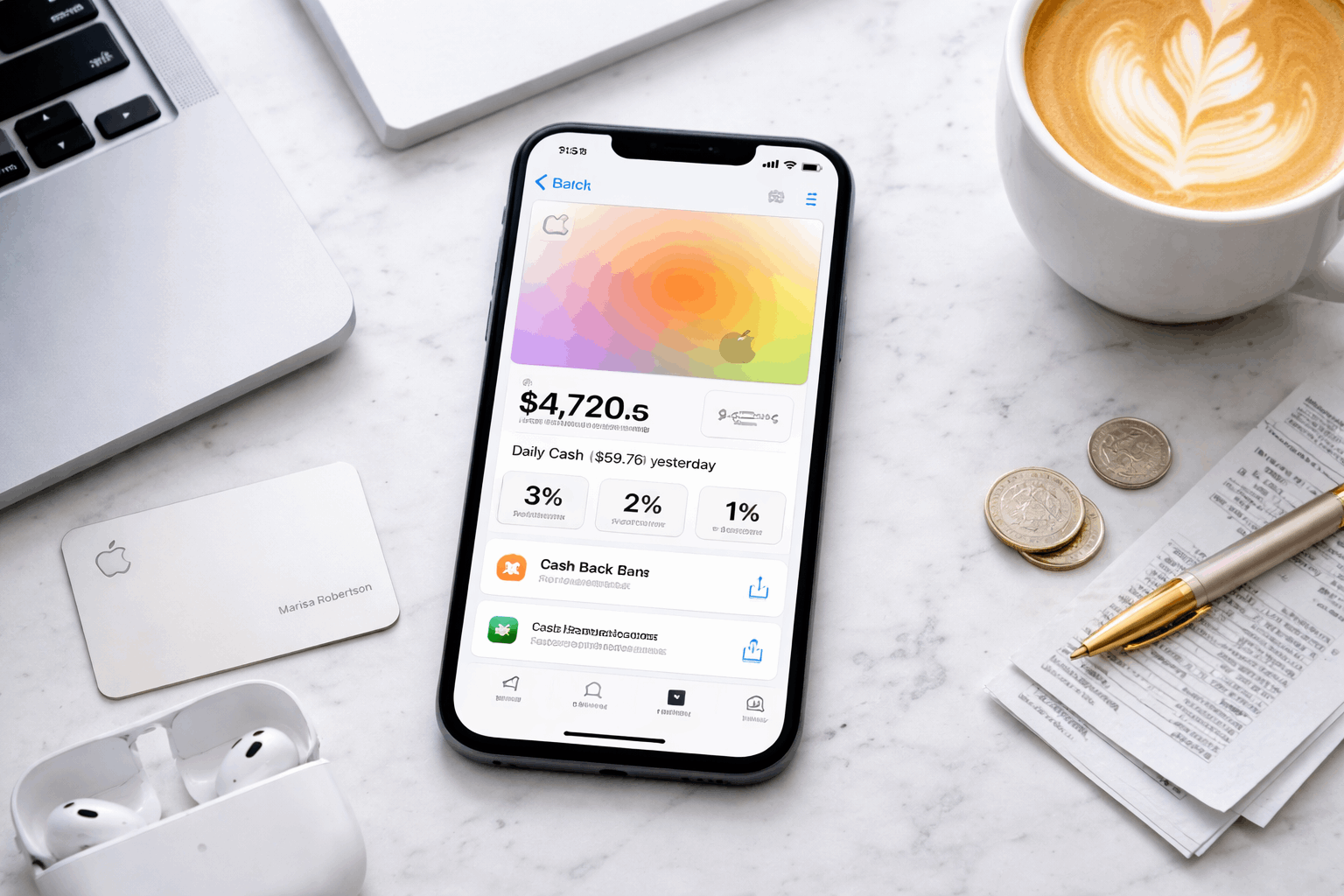
Apple calls its rewards Daily Cash, and it is paid out daily rather than waiting for a monthly cycle.
Apple says there’s no limit to how much Daily Cash you can earn, and you can choose where it goes—such as Apple Cash or Apple Card Savings.
If your goal is maximizing Apple Card cash back, the biggest lever is how often you can use Apple Pay.
Because the higher earn rates are tied to paying with iPhone/Apple Watch and (in the 3% cases) specific merchants.
The earning structure
3% Daily Cash on purchases from Apple and certain merchants when using Apple Card with Apple Pay, according to Apple’s merchant list.
2% Daily Cash when you use Apple Pay with Apple Card.
1% Daily Cash on purchases made with the physical card number (for places that don’t accept Apple Pay), as Apple describes in its Apple Card materials.
How to apply for Apple Card and add Apple Card to Wallet
Official application run through card.apple.com or the Wallet app. You must add Apple Card to Wallet on a compatible iPhone or iPad with the latest software.
You can apply to see your credit limit offer before you accept.
Because approvals and credit limits vary by applicant, no issuer can promise “high limits” for everyone.
What Apple does emphasize is transparency at the offer stage—showing your limit and APR offer as part of the decision
“High limits”: what’s realistic to expect
Apple Card credit limits depend on standard underwriting factors like income, existing debt, and credit history.
Apple’s messaging focuses less on a guaranteed number and more on letting you review your credit limit offer during the Apple Card application flow.
If you’re trying to position the card for higher purchasing power over time, Apple also provides education on how applications are evaluated.
Apple Card statements and account management
Apple Card is built around in-app tracking, but monthly statements still exist.
You can download PDF versions of your monthly statements by signing in at card.apple.com and choosing Statements.
This matters for anyone who needs formal records—budgeting, reimbursements, taxes, or simply archiving.
Use Wallet for day-to-day category views and search, then use statements for official month-end documentation.
Apple Card Pros and Cons
Apple Card is a Mastercard, so the simplest rule is this: it won’t work anywhere Mastercard isn’t accepted.
You can use it (titanium card or virtual card number) “anywhere Mastercard is accepted,” and with Apple Pay “anywhere Apple Pay is accepted.”
| Pros | Cons |
|---|---|
| No annual fee, no late fee, no foreign transaction fee, no over-limit fee (per Apple’s fee disclosures). | Variable APR can be high (Apple discloses a range that depends on creditworthiness). |
| Daily Cash rewards paid daily instead of waiting for a monthly statement cycle. | Best rewards require Apple Pay (lower earn rate when using the physical card number). |
| Higher earn categories (3%) available at Apple and select merchants when using Apple Pay. | Works best inside Apple’s ecosystem (you need iPhone/iPad + Wallet to apply and manage). |
| Transparent offer flow: Apple says you can see your credit limit/APR offer and choose whether to accept. | U.S.-only availability with a valid U.S. physical address (no P.O. boxes). |
| Easy access to statements via card.apple.com (downloadable PDFs). | Not ideal for people who revolve balances, because interest charges can outweigh rewards. |
| Optional Apple Card Family lets you share with participants (including teens 13+) with controls. | Physical-card rewards are weaker than many competing cards that pay the same rate on all purchases. |
Customer Support
Apple Card is issued by Goldman Sachs Bank USA, Salt Lake City Branch.
The Goldman Sachs phone number as 877-255-5923.
For written billing error notices (a dispute method tied to the Fair Credit Billing Act), Apple’s support guidance states that notices must be mailed to:
Goldman Sachs Bank USA, Lockbox 6112, P.O. Box 7247, Philadelphia, PA 19170-6112.
Bottom Line
Apple Card stands out for people who want a credit card tightly integrated into iPhone.
Simple rewards via Daily Cash, built-in tracking, and easy access to statements when needed.
You can apply easily and watching out the interest rates. Use it accordingly to get the mximum benefits.
Disclaimer: This article is for informational purposes and is not financial advice. Rates, rewards, eligibility rules, and support procedures can change, and approvals and credit limits depend on individual creditworthiness and other factors. Always confirm the latest terms and disclosures in Apple’s official materials and the Apple Card customer documentation before you apply.